


Something happens to a desk in September. All summer it is a place you check email between other things. Then Labor Day passes, the school calendar starts, the meetings come back, and suddenly you are sitting there six or seven hours a day at a setup you assembled in a hurry two years ago.
Most people notice this in November, when their neck hurts and they cannot remember when that started. The fix is easier now, and it is cheaper than it looks, because the money is not evenly distributed. One upgrade does most of the work. The rest is small.
Fix the screen before you fix anything else
The chair gets all the attention and the screen does all the damage. You look at it constantly, you move your head to scan it, and if there is not enough of it you spend the day dragging windows around instead of working.
The default answer to "not enough screen" has been two monitors for about fifteen years. It is a worse answer than people think. Dual monitors put a bezel in the exact middle of where you look, which means your primary window is never centered — you end up angled slightly left or slightly right for the entire day. That is a small rotation held for thousands of hours.
An ultrawide solves it by being one uninterrupted surface. Two documents genuinely fit side by side. A video call parks on the right while you work on the left. Nothing is off-center, and nothing has a seam through it.
The 30-inch number
The 30" Ultrawide Curved Monitor is the version of this we would put on our own desk. 2560×1080 across 30 inches of gentle curve, 200Hz, and both HDMI and DisplayPort so it works with whatever you already own. It landed in the store this month at $248.99, which is less than a lot of ordinary 27-inch panels cost.
The 200Hz refresh rate is sold as a gaming spec, and it is one. But it also changes what scrolling a long document feels like, and that is the thing you will actually do with it every day. Smooth motion is not a luxury feature. It is the difference between reading a page and chasing it.
The curve matters more at this width than it does on a normal monitor. At 30 inches wide and normal desk distance, the far edges of a flat panel are noticeably further from your eyes than the center. The curve evens that out, and your eyes stop refocusing every time you look sideways.
Then fix the two things your hands touch
After the screen, the returns collapse fast — with two exceptions, both of which you are in physical contact with all day.
The keyboard. If you are still on the one that came free with a desktop, or a laptop keyboard you reach across a stand to use, this is the cheapest meaningful upgrade in the whole setup. A proper keyboard at proper height stops the wrist extension that causes most desk-related hand pain.
The mouse. Same logic, and size is the whole game. A mouse too small for your hand forces you to grip with your fingertips, which is a fine way to spend an hour and a bad way to spend a year. Measure your hand against the dimensions before you buy.
Both live in our PC & Gaming Accessories collection, alongside headsets, mouse pads, and the cable management that keeps a clean desk clean past week two.
The part nobody budgets for
Here is what the ergonomic checklist leaves out: a desk that fits you perfectly still means sitting still. Posture is a way of distributing load, not removing it. Eight hours of good sitting is still eight hours of the same muscles holding the same position.
So the third piece of a September reset is not on the desk at all. It is whatever gets your back out of that shape at the end of the day.
Ceragem's thermal massage beds do this with heat and mechanical work along the spine rather than the vibration most massage products use. Two new models arrived this month: the Master V5, which is the sensible starting point at $5,999, and the Master V9 flagship at $9,999. Both sit alongside the rest of the range in our Ceragem collection.
If that is more than this year's budget allows, the smaller end of our Health & Wellness range covers heating pads and handheld massagers that address the same problem at a fraction of the price. The principle is what counts, not the price tag: something has to undo the day.
A floor, not a goal
The other half of undoing the day is not sitting for all of it. Step goals are famously easy to ignore, mostly because 10,000 steps is a target you either hit or fail, and failing at 4pm removes the reason to try at 5pm.
A movement floor works better. Pick a number of hours in your workday, and get up once in each of them. That is it. Any watch with an hourly reminder will do the enforcing — the Aurafit AM32 and the rest of our smart watch range all handle it. The value is not the data. It is the nudge at 2:40pm when you have been in one position since noon and have not noticed.
The order of operations
If you are doing this over the next few weeks rather than all at once, this is the sequence we would follow. Each step is worth doing on its own, and each one makes the next one more noticeable.
- Screen. Biggest single change, and it makes the rest of the desk easier to arrange around it.
- Keyboard and mouse. Cheap, immediate, and the pain they prevent is the pain that lingers.
- Height and light. Free. Screen top at eye level, feet flat, and a lamp that is not just your monitor.
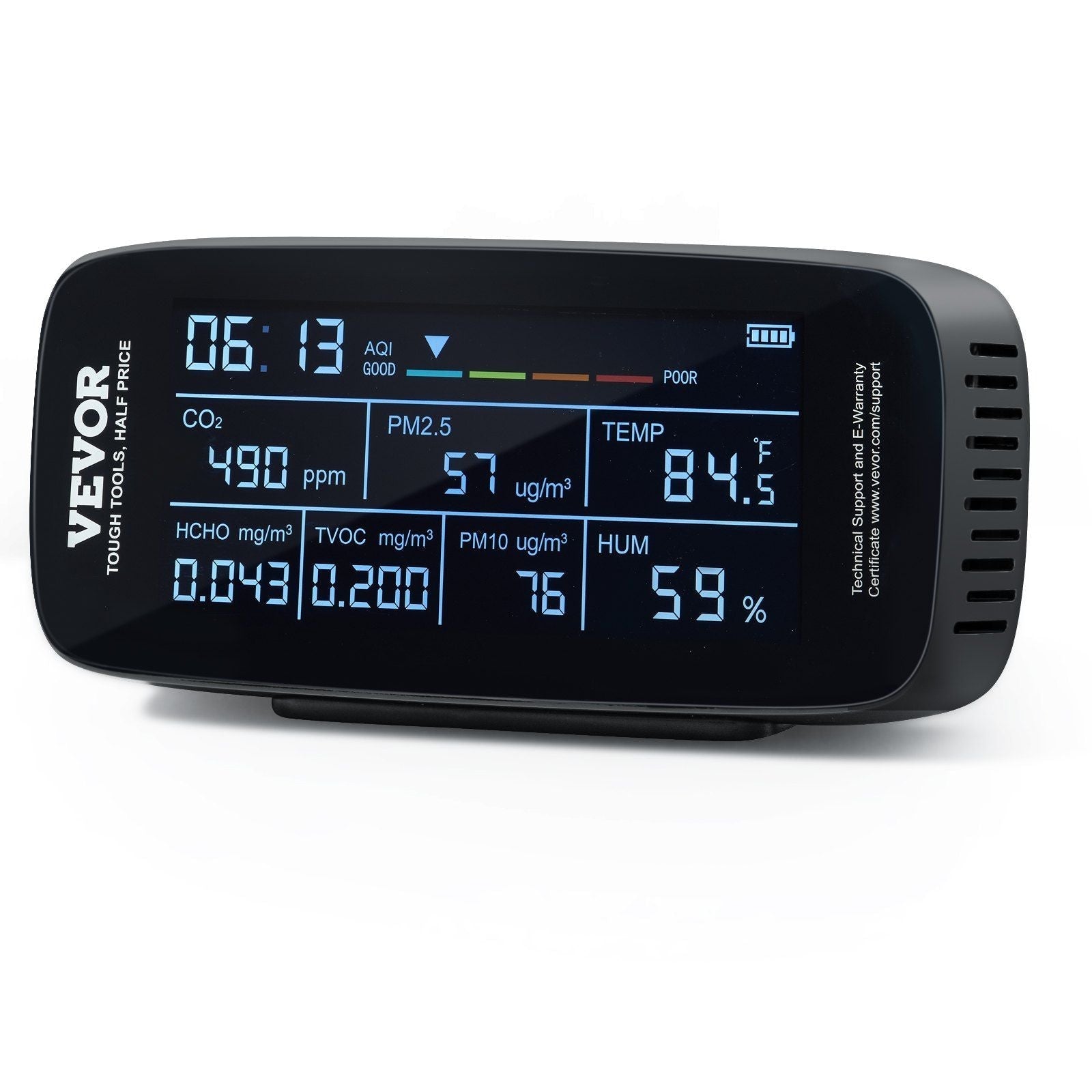
- Air. You breathe your office air more than any other air. We covered how to measure it in this piece on indoor air quality.
- Recovery. The one that takes a real decision, and the one people are most glad they made.
Do the first one this week
You do not need the whole list. You need the top item, before September turns into a busy autumn and the setup you meant to fix becomes the setup you have.
The monitor and both Ceragem beds are part of this month's new arrivals, and code SEP01 takes 10% off any of them through September 8. If you are torn between two options, email us at sales@allgadgetworld.com with a photo of your desk and what you do at it — we will tell you what we would change first.

Share:
DJI Avata 360: The Drone That Films Everything, Then Lets You Choose